Who Owns Reply Routing After Email Automation Setup Services?
Email automation does not remove ownership. It exposes whether ownership exists. When someone replies to a nurture email, reminder, or follow-up message, they are asking for a next step. If nobody owns that next step, the automation is moving interest into a dead end.
At The Bellamy Co., we often see the same pattern: messages go out on time, open activity looks healthy, and replies sit in an inbox while the owner handles everything else. The question is not whether your emails are sending. The question is whether the right person can act when someone responds.
Keep qualified replies from going unanswered
A reply is not a marketing metric. It is a real person asking for information, help, a quote, a schedule change, or a resolution. A missed reply can mean lost revenue, delayed service, or a customer who decides nobody is paying attention.
Before any automation goes live, the business needs one accountable owner for reply outcomes. For most service businesses, that person is a revenue or operations leader on the client side. They have the authority to decide what happens when a lead, customer, referral source, or complaint responds.
Our role is clear within email automation setup services. We build and document the routing structure, connect systems, and test what should happen. Your business owns the human response, staffing choices, escalation standards, and follow-through unless managed response is part of the agreed scope.
Start with the actual constraint:
- Are replies not reaching the right person?
- Are they reaching that person too late?
- Are they arriving with no clear next action?
Those are three different problems. Treating them like one inbox issue is how businesses keep losing the same leads for different reasons.
Setup without routing creates a new bottleneck
Here is the common pattern. A business invests in automated nurture emails, lead follow-up, or appointment reminders. The messages send. Prospects engage. Then replies land in a shared inbox that no one checks consistently.
The automation did its job. The operating system did not.
A warm lead can go cold while the owner is in appointments. A customer request can get buried under internal notifications. A cancellation or complaint can sit unanswered until it becomes a public review. Sending every reply to one owner's inbox does not solve this. It recreates the owner-led bottleneck the business was trying to remove.
Routing is more than forwarding an email. Every reply needs a destination, a priority level, a response deadline, and a backup owner. If replies reach the inbox but nobody answers, you have a staffing or accountability problem. If the wrong team receives them, you have a routing logic problem. If the responder does not know what to say or do, you have a process design problem.
No amount of better email copy fixes any of those.
Define ownership before automation is built
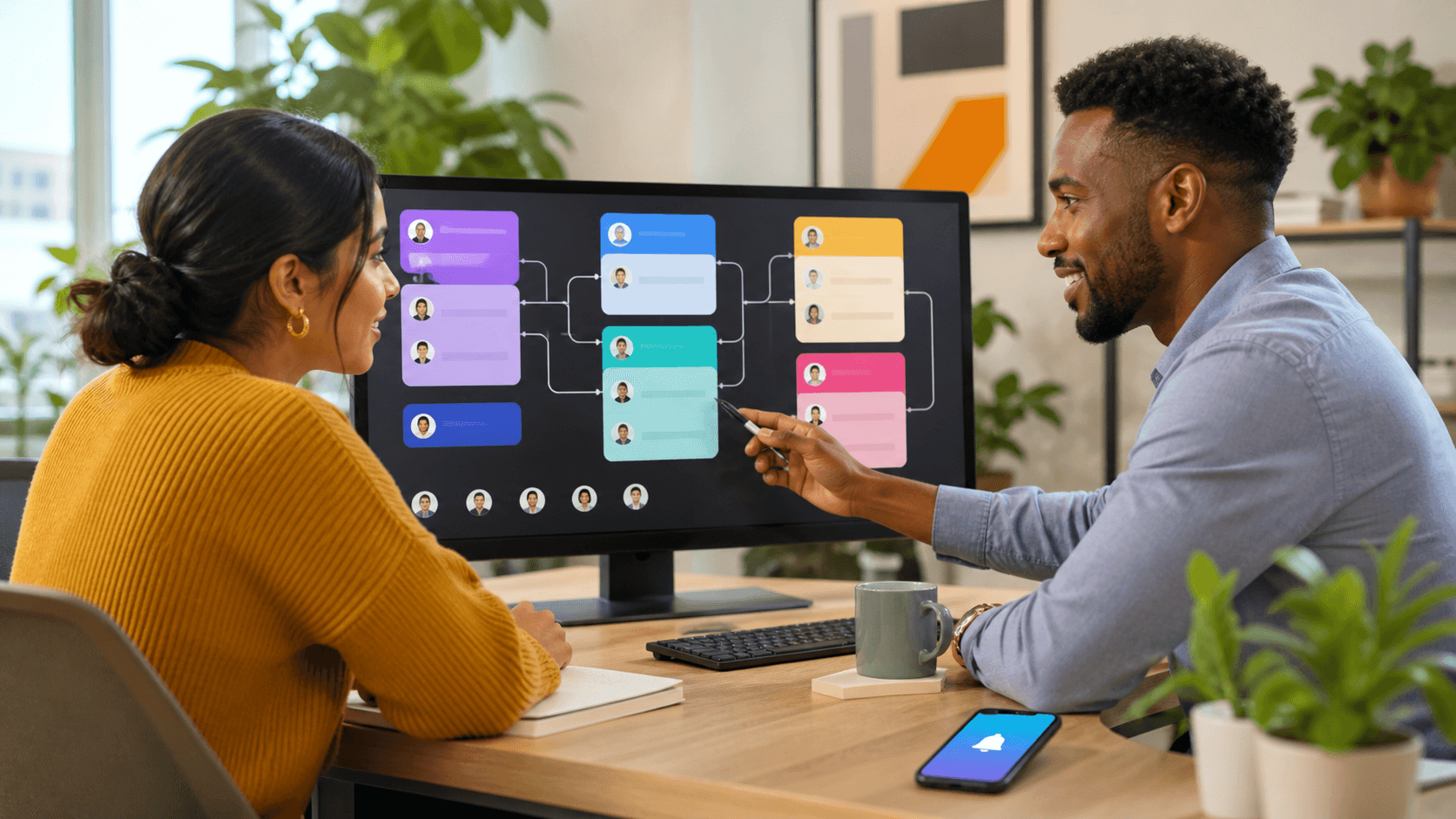
Email automation setup services should begin with an ownership map, not a list of sequences. Before we build triggers, inbox rules, CRM tasks, or notifications, we need to know who owns each category of reply.
A working ownership map names five roles:
- The accountable business owner, who makes sure the process works
- The primary responder, who handles the first response
- The backup responder, who prevents silence during absences
- The escalation contact, who can resolve high-risk issues
- The technical system owner, who maintains routing rules and connections
We can diagnose the reply path, build routing logic, connect your CRM, test scenarios, document the handoff, and monitor the agreed process. Your team must name people who can actually respond, quote, schedule, resolve, or escalate.
"Our office manager watches the inbox" is not ownership. If that person is unavailable, lacks decision authority, or has no response standard, you do not have a system. You have an informal habit that works only when the right person happens to be available.
Separate routing rules from human response
Reply routing has two layers. The first is system logic. The system identifies the sender, matches the reply to a campaign or customer record, assigns a category, creates a CRM task, alerts the right person, and logs the activity.
The second layer is human response. Someone needs to contact the person, answer the question, move the deal forward, solve the issue, or escalate it.
Those categories should not share one generic inbox rule. New lead replies may need sales follow-up. Existing customer questions may belong with operations or account management. Billing concerns may need finance. Cancellation requests, negative replies, and reputation risks need fast escalation to someone with authority.
Exceptions matter, too. An out-of-office reply, unsubscribe request, auto-response, support issue, referral, job inquiry, and quote request should not all trigger the same workflow. Generic routing creates noise. Noise teaches people to ignore notifications.
For each category, define the response window, the CRM status that confirms action, and the point where an unanswered task escalates. A routing rule without a response standard only tells you where to lose the lead.
Test routing before planned absences expose it
Weak reply processes get exposed whenever team availability changes. Vacation schedules shift, workloads pile up, and key staff take time away. The person who usually catches everything may be unavailable when a high-value inquiry arrives.
Before coverage gaps begin, we recommend testing the reply path with realistic scenarios. Send test replies from different addresses and use language that reflects a new inquiry, customer problem, cancellation request, invoice question, and out-of-office message. Each test should confirm the right record, task, notification, owner, and escalation path are created.
Do not confuse a notification with follow-up. A Slack alert, email alert, or CRM task does nothing if no backup owner exists and no report shows whether the task was completed.
Document the coverage plan before people step away:
- Reply categories and assigned owners
- Response deadlines for each category
- Escalation contacts and decision authority
- Temporary coverage assignments
- Instructions for routing changes when staffing shifts
This is not extra administration. It is how revenue and customer trust stop depending on one person checking email between family events.
Name the owner before you turn it on
The answer is straightforward. Your business needs one accountable owner for reply outcomes. The people closest to the work need clear response responsibilities. The team building the automation needs ownership of the routing logic and documented handoff within the agreed scope.
Audit one live automation before trying to fix every inbox at once. Where do replies go? Who responds? How quickly do they respond? What happens when they are unavailable? How does leadership know the reply was handled? If the owner is still the only person who knows which replies matter and what to do with them, automation has not removed the bottleneck. It has delivered more work to the same person faster.
Build reply routing that does not depend on you
If replies are still waiting on the owner to interpret, assign, and chase, the system is incomplete. Our email automation setup services identify where ownership breaks and build the routing, visibility, and accountability to fix it. The Bellamy Co. brings one team across the system so no reply disappears between software, staff, and handoffs. Contact us to diagnose the constraint before more leads pile into the same gap.